
 “It’s not the camera that takes the photo, it’s the photographer.”
This or something like it is said a lot by photographers. Sure, a really expensive camera can help, but give an experienced photog a point-and-click disposable film camera from a bygone era and they’ll still crank out a few shots worth remembering.
So I was kind of shocked when I, first learning the difference between taking a good photo and wasting developer fluid, learned that my camera was already doing some of the thinking for me.
You see, at some point, someone sat down and looked  at a whole bunch of good photos, then averaged the lights and darks and decided they equaled about 18% gray. I haven’t found evidence of this beyond what my photography teacher told me, but it’s a nice story.
What’s true, however, is that any camera sophisticated enough to have a built-in light meter looks at whatever’s coming through the lens and tries to over- or under-expose your shot to hit that 18%. This is why that shot you tried to take in a low light situation ended up more blurry than you expected, or why that image where a lamp was in the shot left everyone else in the picture looking like they were in a dark shadow.
More experienced photographers know this and adjust accordingly, sometimes using “gray cards” to help calibrate their cameras for shots that are more true to  the lighting situation on hand, but this is working AROUND the camera more than it is working with it.
Which brings me to this neat little article  on PetaPixel. Apparently light balance wasn’t enough, someone made a camera that does a lot more of the thinking for you.
The Trophy Camera is an experimental camera powered by artificial intelligence that can only shoot images that it deems to be “award-winning.â€
There’s a lot more to it than that. This invention is meant more as a statement on the more formulaic and “questionable” (to quote the inventor…) nature of photojournalism than a useful tool for amateur shutterbugs that can’t be bothered to learn which end to point at a subject.
The article is an interesting read with several useful links for more information, Â but it also brings to mind some common thoughts about education: There’s the right answer, then there’s everything else.
We fall into this trap all the time. Multiple choice answers are easier to grade, so that’s what we put on tests. Â We’re hardwired to look for differences, so it’s easier to grade worksheets when the finished ones all need to look the same.
This is fine, if you’re just pointing your camera at things and hoping it’ll go click.
… but what are you doing to get around making all of your students 18% gray? What’s your equivalent of a “gray card” in your classroom?

 If we don’t teach our students about respecting the copyrights of artists, who will?
 This article on Mashable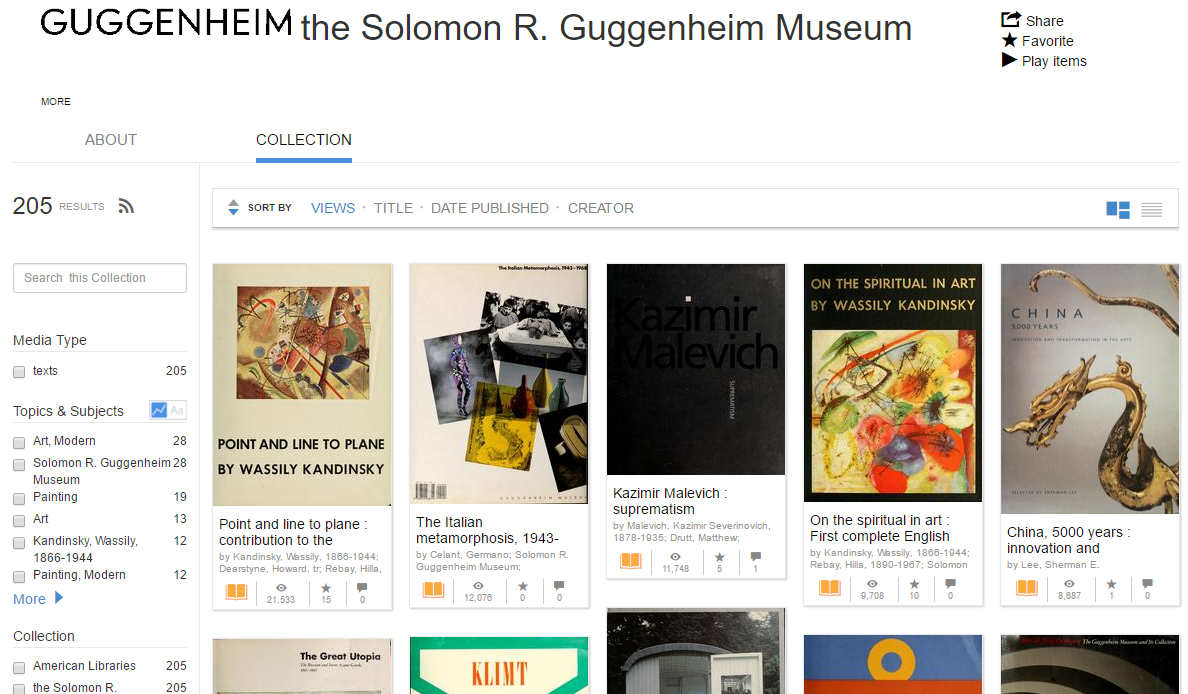

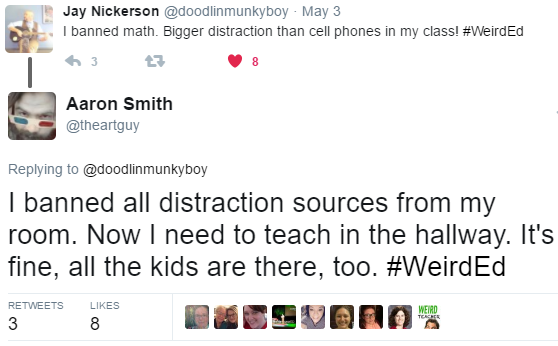

 Friends, teachers, life long learners, I come to bury Twitter, not to praise it.
 Mastodon is what’s known as a federated social network. It runs on a collection of independent servers known as “instances.” This is good for a couple of reasons. First, there are some instances that   are dedicated to specific communities.
  Mastodon’s Content Warnings are like subject lines.  By pressing the button that says “CW,” you get an additional text field. When you post your tweet – I mean,  your toot, the only thing your followers will see will be the text you wrote for your content warning. If they decide they’re OK with reading said content, they can click to see the rest of it. If they decide that subject isn’t for them, they can scroll past and go about their day. Currently the most common content warning notice I see is for politics, for which I’m actively grateful. Those who know me on Twitter and elsewhere know that I am VERY opinionated on subjects that some would call political, but I do not  always have the mental energy to read, let alone talk   about those things. On Twitter I can set up filters to mute certain key words, but  it’s a bit clunky and I have to remember to turn off the mutes manually. on Mastodon, there’s more of a social taboo about tooting high-stress subjects without a warning. In short, it’s a safer space for your mental health.
 Teachers all have their pet peeves, rules that are not to be broken at any cost. At this point I think I’ve taught enough Media Arts curriculum to list mine. I plan to print these out and put them on my wall for next year.
 TL;DR:
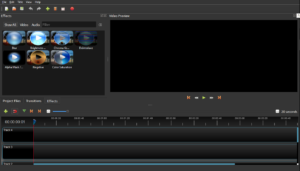
![2016-05-23 10_52_01-Untitled Project [HDV 720 24p] - OpenShot Video Editor](https://academicaesthetic.com/wp-content/uploads/2016/05/2016-05-23-10_52_01-Untitled-Project-HDV-720-24p-OpenShot-Video-Editor.png) Like all software there is something of a learning curve, but for OpenShot the main hurdle is understanding that you right-click on a clip to split it at the play head. Most of the rest of it is quite intuitive.
Like all software there is something of a learning curve, but for OpenShot the main hurdle is understanding that you right-click on a clip to split it at the play head. Most of the rest of it is quite intuitive.