#PUWT15 Thoughts: Session 2, Fusing Media Technology and Content in the Classroom

PUWT_logo_08Session 2: Fusing Media Technology and Content in the Classroom, by Margaret Olson
  • Starts off asking who uses social media already.
  • One teacher is using Snapchat? Wow.
  • David Warlick quote about technology on the 2nd slide. Oh, that takes me back.
  • Recommends having a social media account for the class. Ratio of student/teacher content creation can vary based on the class and trust level.
  • A great way to teach writing and language use. Students are already familiar with the technology.
  • Video creation
    • I love how we’re still saying “film” after all these years.
    • iMovie recommended. I do like it, but will not require purchasing of Macs. Assertions of “Most students have Macs already” is more a reflection of the presenter’s classes than our own.
    • She has her students hire actors, but then she also teaches college level. My own students either act themselves or borrow a Drama major.
    • “Something that can go up on YouTube at the end…” YES, but get those MEDIA RELEASE FORMS SIGNED! This doesn’t seem like a big deal until it’s too late and a really big deal.
    • Storyboarding! Her template has many more panels than the one I use with my own students, but it still has exactly what it needs.
    • We are spending a lot of time on video creation. Video isn’t normally seen as a social media, but YouTube certainly is making it more social.
  • Presenter offered to email her presentation to us. Odd how that feels low tech now that there are tools like GAFE.
  • Study of social media campaigns. #HeforShe is being used as an example.
    • (She taught this to Saudi men. Well done.) I’d like to spend some time on this.
    • Students made photos to contribute. Project got news coverage.
    • Students get validation for their activities outside of grades. Motivation comes from sources other than report cards.
  • If you’re interested in it then they’re more likely to be interested in it. YES!
  • Focus on what students already like. (In my class, that would be Minecraft & other video games.)
  • Don’t be afraid to experiment.
  • Blogging
    • (Upper) Intermediate and older can usually handle this.
    • “Kind of like an interactive website.” … Yeah, it kind of is. :)
    • “You’d be surprised [at which students have their own blogs or follow blogs].” I’ve been on Tumblr. I wouldn’t be too surprised. I’m likely in the minority here.
    • Presenter sets her blogs up through Blogger. Good choice. You can have students add accounts to the site you set up while you manage what gets posted. WordPress has similar features I’ve used in the past.
    • For teachers concerned about more moderation, classblogmeister.com is a good choice. (Thank you again, Mr. Warlick.)
    • This could be managed in Google Sites as well, but It’s somewhat of a kludge so I wouldn’t pick that option.
    • “There’s no one size fits all model. What I do may be different from what you do.”
    • Please don’t suggest Google Images as a source for free pictures. Copyright is serious business.

Recyclables become useable art in these six-second Vines

Click through to see the whole Mashable article and several more Vine projects.

Submissions included cardboard cacti, a wire desk tree, reshaped paper clips and more.

Source: Recyclables become useable art in these six-second Vines

This has me thinking about having students make short stop-motion animations that are “Vine-ready.” We could focus on recycling, as these do, or pick a different challenge for students to complete.

Of course we’d have to make sure the music they’re using (if they use any) is legal for them to include, but that’s the joy of teaching responsible copyright usage.

CMOS Inventor Working on Gigapixel Sensor That Can Detect Single Photons

Hold onto your seats: there may soon be game-changing breakthroughs in image sensors that could take low-light photography to whole new levels.

Source: CMOS Inventor Working on Gigapixel Sensor That Can Detect Single Photons

This sounds really cool for a lot of reasons, but remember that the sensor might as well be out of a budget smart phone if you can’t hold it steady or focus on your subject.

What are the chances that the first person to use the new sensor has their thumb in front of the lens when they test it?

Academic Aesthetic S2 Ep 13: See What Sticks

Today’s episode was recorded on the drive home. No script, no notes in front of me (because “eyes-on-the-road,” obviously…), and plenty of engine noises from my own vehicle and those around me that Audacity’s “Noise Removal” filter couldn’t do enough to remove.

(If you’re new here, most of my podcasts are not recorded like this.  I’m just pressed for time this week, so I multi-tasked on the way home.)

Topics:

  • Throw stuff at the wall, see what sticks.
    • My hashtag idea didn’t stick.
    • Learning by doing sticks.
    • Turning a school event into a media production project sticks.
    • The “Undo” command sticks, because it means things don’t have to stick. (Wait, what?)
    • A willingness to take bad photos allows a few good photos to stick.
    • Google Drive for student use? Sticks. It REALLY sticks.

Academic Aesthetic S2 Ep 12: It’s JIF

In today’s episode, I have opening night jitters.

Show Notes:

Academic Aesthetic S2 Ep 9: The Real World Is Boring

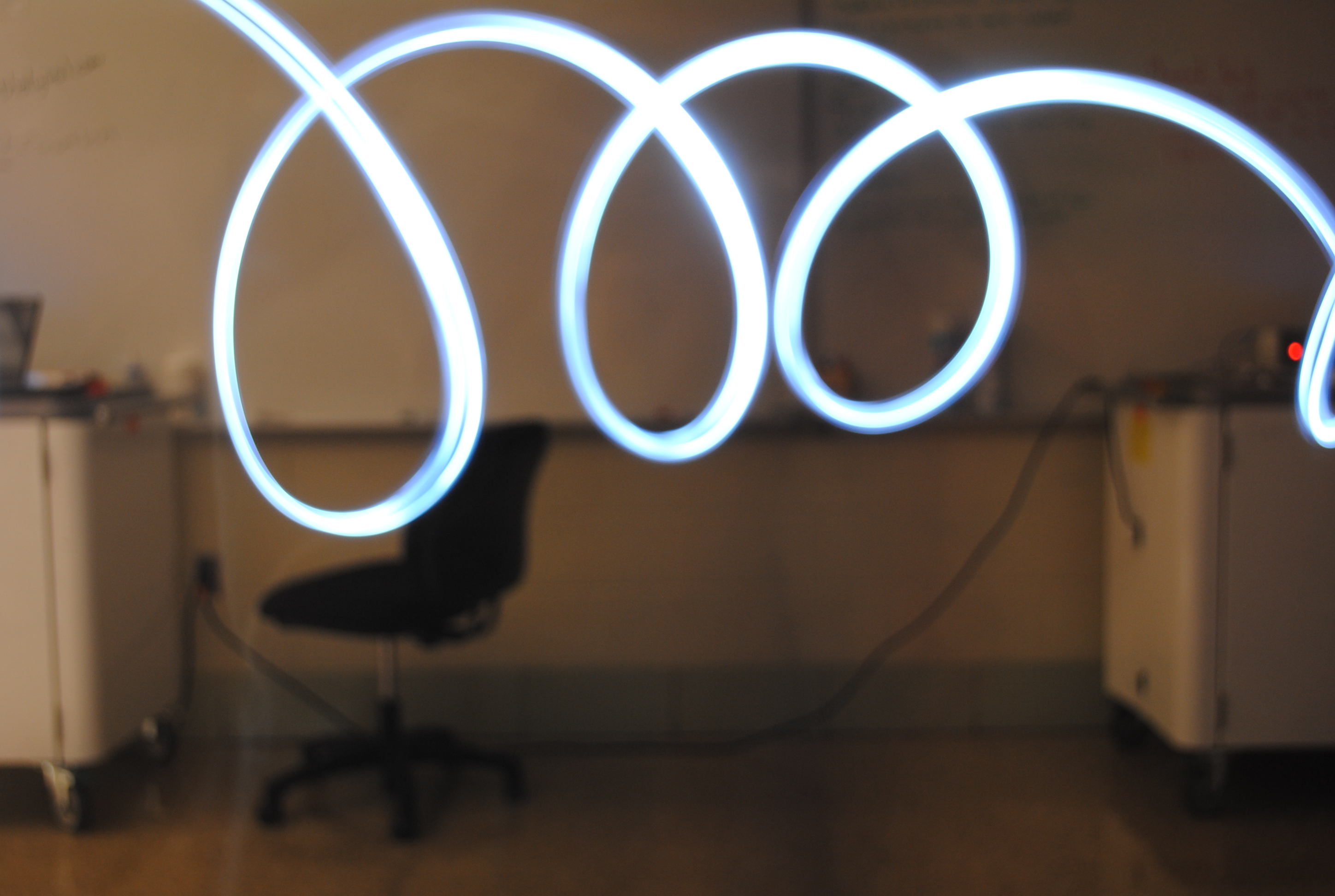
Light Painting SampleIn today’s episode I complain that the real world is boring.

Well, it is.

(If you listen closely you can also hear me scratch my cat’s head.)

[EDIT: Previous link was to an older episode. This has been fixed.]

Show Notes: